Navigating the Dashboard
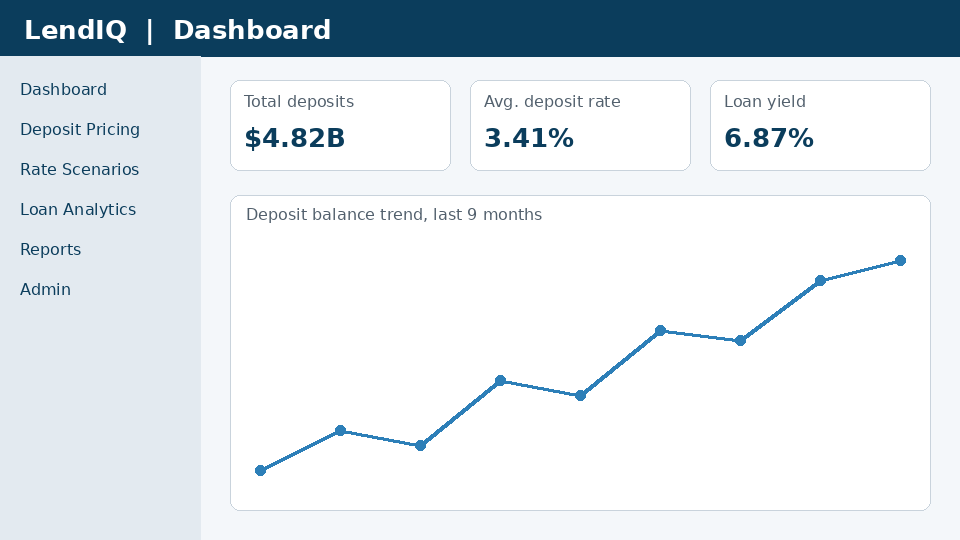
The dashboard is the first screen you see after signing in. It summarises deposit and loan performance for the workspace you selected.
KPI cards
The top row shows total deposits, the average deposit rate and the loan yield for the selected period.
Loan yield is the interest income earned on the loan portfolio divided by average outstanding balances, annualised.
How reporting periods work
Periods use calendar months and close on the last business day. Partial months are marked with an asterisk.
Navigation pane
Use the left pane to switch between Deposit Pricing, Rate Scenarios, Loan Analytics and Reports.