Building a Rate Scenario
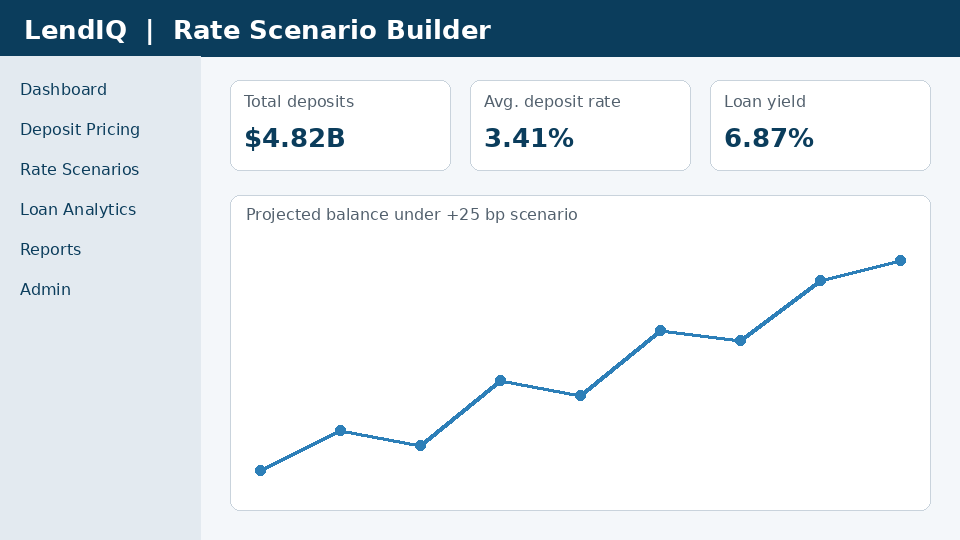
A rate scenario projects how balances and interest expense change if you move a product rate.
Before you begin
- You need an active LendIQ account.
- Your browser must allow pop-ups from https://app.lendiq.example.
- Data is refreshed nightly at 02:00 UTC; figures may lag by up to one business day.
To build a scenario
- Select Rate Scenarios > New scenario.
- Choose the product and the term.
- Enter the proposed rate change in basis points, for example +25.
- Select Run. Results appear in about 10 seconds.
How elasticity is estimated
LendIQ estimates balance elasticity from 36 months of your own history, adjusted by peer behaviour in the same region. Elasticity drives the deposit beta used in forecasts; see the Glossary.